Variables
Define a value once, reference it across every query on the canvas, and re-run the whole flow with a single change.
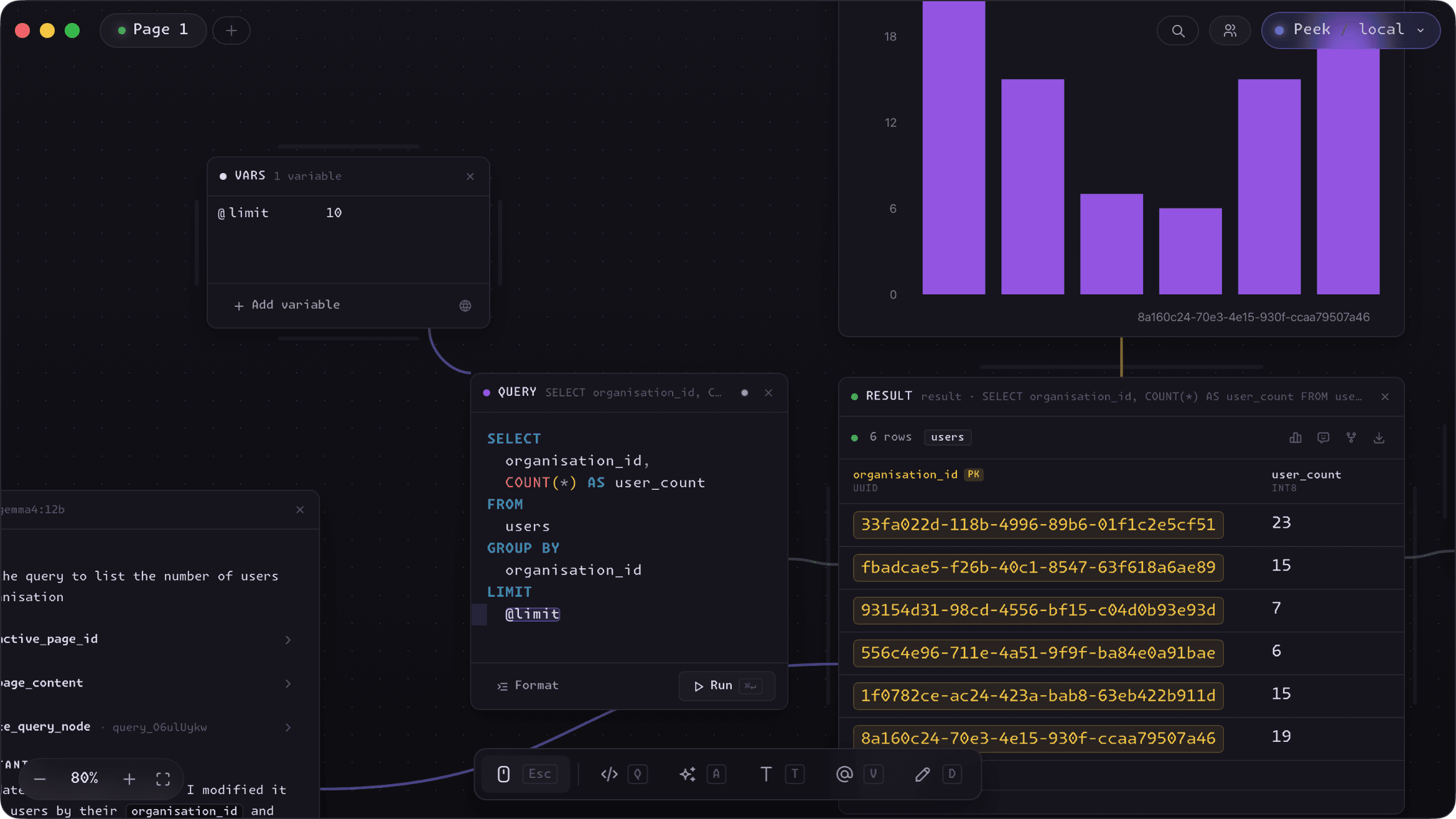
Define once, reference everywhere
A Variable node holds one or more named rows - a date range, a user ID, a status string. Reference any of them in SQL with the @-syntax, like WHERE created_at > @start_date. The name must be a valid identifier, and Peek is careful about where it substitutes - an email like users@example.com is never mistaken for a variable.
Variables reach a query through an edge: wire a Variable node into a Query node and its values become available there. Change a value once and every connected query picks it up, so re-running an entire analysis with a new ID or date is a single edit.
Values or lists
Flip a row into array mode with the brackets toggle and it holds a list instead of a single value. Lists expand to a comma-separated sequence at run time, which makes WHERE id IN (@ids) queries effortless - no hand-assembling values.
Local or global
Toggle a Variable node global and it wires itself to every Query node on the canvas - including ones you add later. It's the easiest way to set a shared @tenant_id or environment value once and have the whole canvas honor it automatically.